Ch2: Beginner user guide
Journey of a thousand miles begins with single step.
- Move around
- Arrow key
- Confirm/Select
- Enter key
- Exit
- Esc key
- Pause on fly
- Spacebar
Expedition
The expedition sets are locate in .\data\expedition\expedition_preset.json
You can change the expedition Id as needed.
{
               #2(長距離練習航海)        #3(警備任務)     #6(防空射撃演習)
  "active":         [[2],                 [3],              [6]],
  "passive":      [[5],[21],[38]],
  "overnight":    [[11],[24],[38]],
  "user":  [[],[],[21]]
}
Auto assign is not available in beginner guide, select disable here please.
Combat
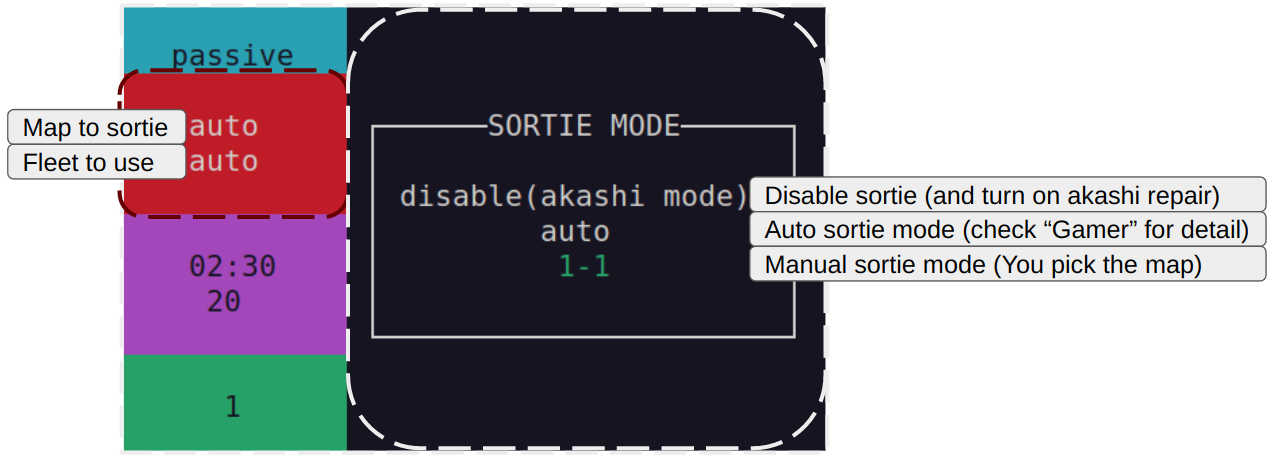
Manual sortie mode
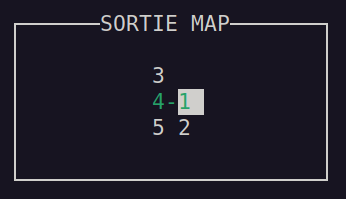
First, select your map with arrow key.
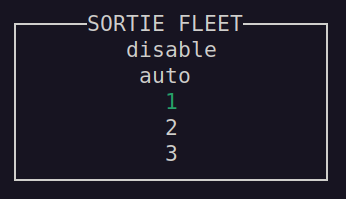
Then select your kancolle in-game fleet preset(select disable to use the current fleet).
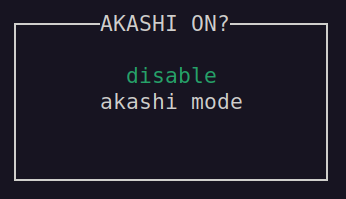
Akashi repair
After selecting disable(akashi mode) in sortie menu,
you could choose to turn on akashi repair.
(you need an akashi kai to use this)
PVP
Disalbe pvp or select the kancolle in-game fleet preset for pvp
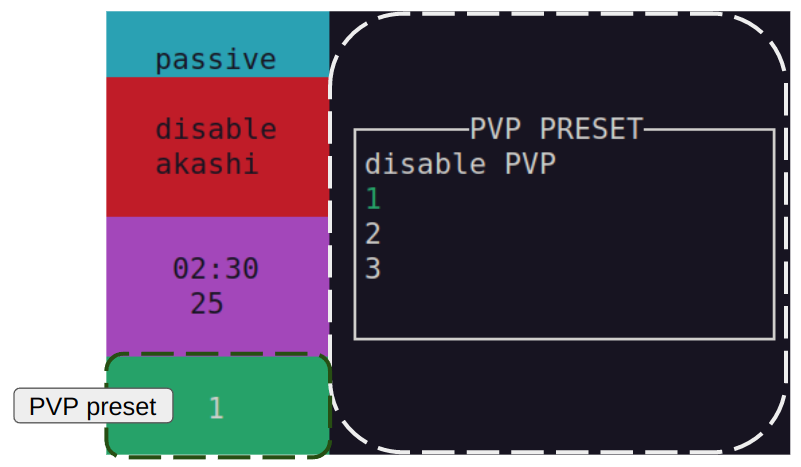
Scheduler
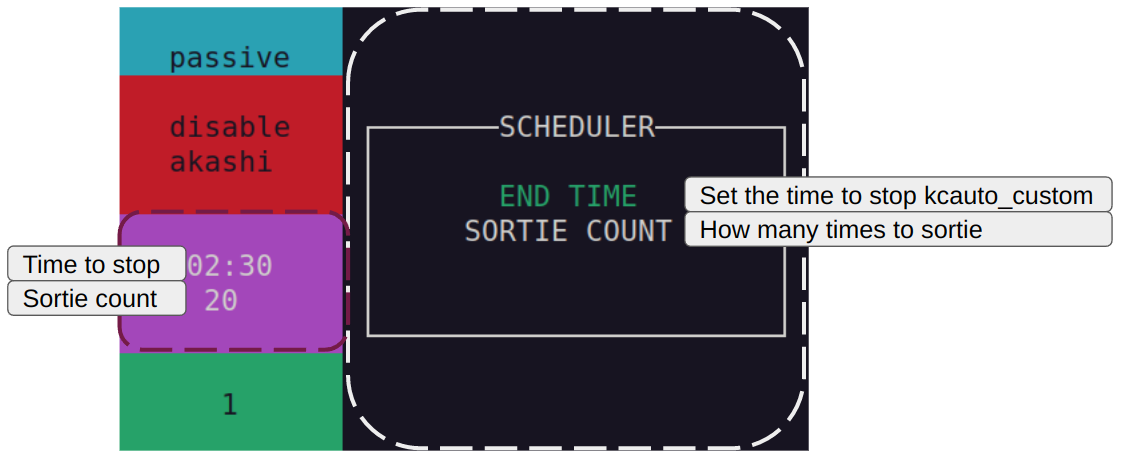
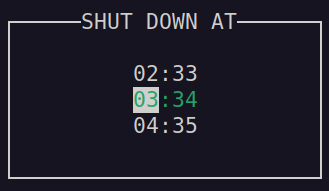
End time
The time to shutdown kcauto_custom(select the time with arrow key)
(you should never run kcauto_custom 7/24)
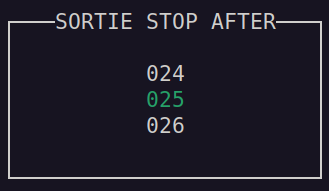
Sortie count
After the specified number of sorties, kcauto_custom will stop sortie.
(select the sortie count with arrow key)
Quest panel
Press ? (shift + /) key in home page,
you can select what quest kcauto_custom will attempt to finish,
press ? again to leave quest panel
Start kcauto_custom
On your first run, you would need to start kcauto in splash screen
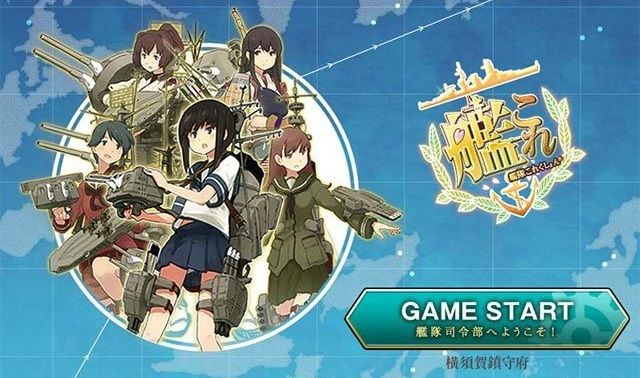
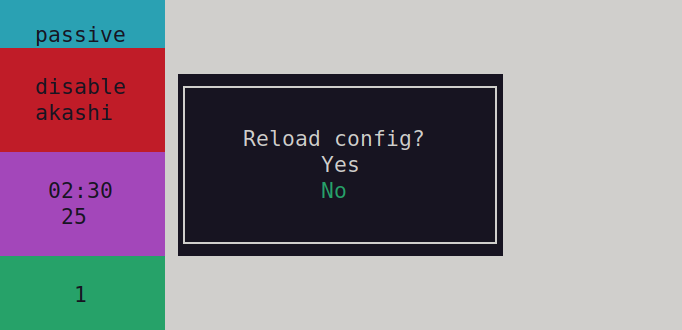
Select log panel, and reload your config.
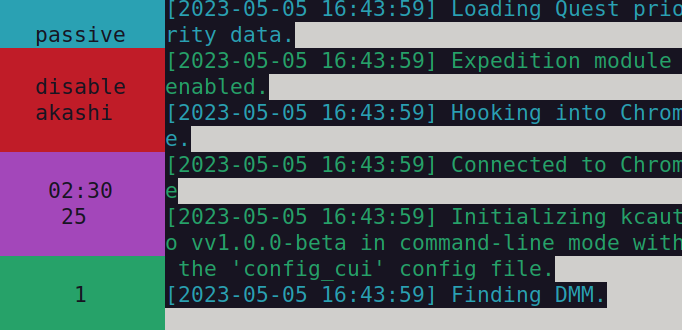
You might get hit by the following error on the first run:
[SUCCESS][2026-02-23 17:35:36] Initializing kcauto.
[DEBUG][2026-02-23 17:35:36] Loading data from 'configs/config_cui.json'.
[DEBUG][2026-02-23 17:35:36] Loading data from 'data/config/config_cui_template.json'.
[DEBUG][2026-02-23 17:35:36] Combat config init called
[DEBUG][2026-02-23 17:35:36] SET _sortie_map_read_only: {MapEnum(value)}
[DEBUG][2026-02-23 17:35:36] _repair_bucket_threshold set 500
[SUCCESS][2026-02-23 17:35:36] Config successfully loaded.
[DEBUG][2026-02-23 17:35:36] Loading data from 'data/temp/reinforce_general_category.json'.
[ERROR][2026-02-23 17:35:36] Reinforce equipment data not found, please start kcauto from splash screen
[ERROR][2026-02-23 17:35:36] [Errno 2] No such file or directory: 'data/temp/reinforce_general_category.json'
[DEBUG][2026-02-23 17:35:36] Loading data from 'data/temp/equipment_list.json'.
[ERROR][2026-02-23 17:35:36] Equipment data not found, please start kcauto from splash screen
[ERROR][2026-02-23 17:35:36] [Errno 2] No such file or directory: 'data/temp/equipment_list.json'
This is because kcauto_custom has never get the data it needs from kancolle.
As long as your data/temp folder is fill with the following files after the first run,
you are fine and can simply run kcauto_custom for second time.
All the temp files kcauto_custom acquire from kancolle
For Windows user:
There are reports show that kcauto_custom does not work well with chrome_driver mode on Windows.
If you are having issue on mouse control,
it is recommended to switch to direct_control mode.
How to:
1. Run kcauto_custom once
2. Close kcauto_custom
3. Open configs/config_cui.json
4. Edit "general.interaction_mode": "chrome_driver", => "general.interaction_mode": "direct_control",
5. Save and close
Windows mouse issue should be fixed in latest version.(2026/07/28)